

Many companies use SharePoint for central document management. But in daily sales work, the limits of this solution quickly become clear:
1. Product Presentation: Static vs. Interactive
Video: interactive 3D presentation instead of product photos
SharePoint was developed as a document management system. This means:
- Only static PDF documents and PowerPoint presentations
- No interactive 3D models
- No AR visualization on site at the customer
- Complex products stay difficult to understand
Modern technical sales needs more today:
"The ability to present our machines in AR directly at the customer's site has revolutionized our sales meetings," says Dominik Wehner, Global Head of Corporate and Marketing Communications at Kautex Maschinenbau.
Professional sales apps offer:
▸ Interactive 3D models that you can zoom and rotate
▸ Augmented reality presentation at original size
▸ Dynamic exploded views
▸ Technical animations and functional sequences
Video: a complex system explained in 3D in a customer meeting
2. Productivity Instead of File Management
"One moment, I just need to find the file..." Nobody wants to hear this sentence in a customer meeting. But this is exactly what often happens when sales teams use SharePoint.
A specialized sales app has all relevant content ready at once. With SharePoint, you lose valuable time because you must:
- Navigate through folder structures
- Search for the latest version
- Change between different apps
- Wait for downloads
A professional sales app gives you direct access to all content in less than 2 seconds, even offline.
Structured Content Instead of File Storage

SharePoint was developed for document management, not for convincing sales presentations. The key difference:
SharePoint:
- Organized by file types and folders
- Complex management of access rights
- Confusing when there are many documents
- No special support for sales processes
Professional sales app:
- Organized by products and customer groups
- Smart tagging and filtering
- Guided selling through optimized structures
- Integrated functions for power users (for example, bookmarks for frequently used content)
📊 Key difference:
A sales app thinks in products, solutions and customer benefits, not in file formats and folder structures.
3. Offline Availability as a Key Factor

Modern sales does not always happen where there is stable Wi-Fi. As a web-based solution, SharePoint quickly reaches its limits here:
- No or limited offline availability
- Long loading times with a bad connection
- Problems when streaming videos
- Unreliable synchronization
A professional sales app, on the other hand:
- Works completely offline
- Synchronizes automatically in the background
- Optimizes content for mobile use
- Guarantees presentations without interruptions
Modern sales apps such as the Vuframe Sales Copilot follow the "offline-first" principle. All content synchronizes automatically and is always available, even without an internet connection.
4. Presentation Without Media Breaks
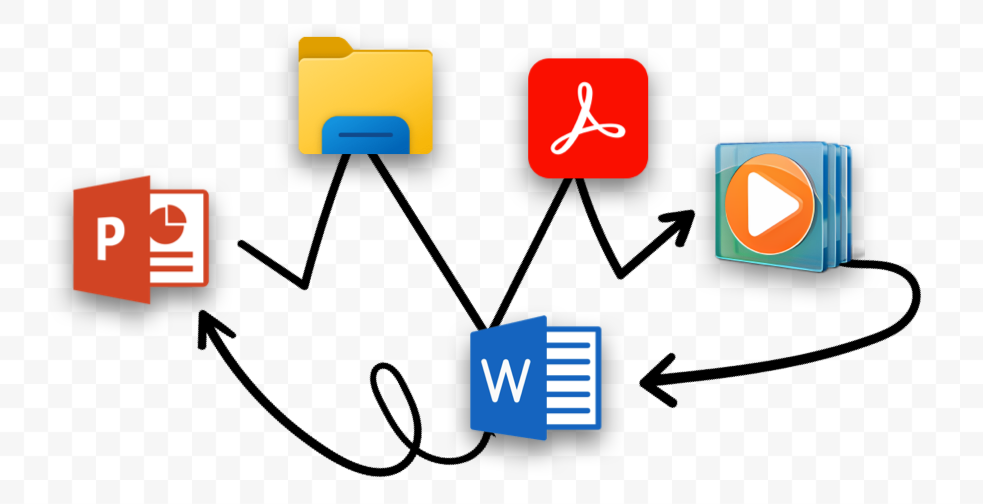
A professional sales meeting requires seamless transitions between different media types. Here, SharePoint forces you to change context all the time:
- PDF reader for documents
- Media player for videos
- Browser for web content
- Separate apps for 3D/AR
These media breaks interrupt the flow of the conversation and look unprofessional. A modern sales app, on the other hand, integrates all formats in one unified interface:
- Seamless change between media types
- Integrated presentation tools
- Optimized performance for all formats
- One consistent operating concept
▸ Average time to find a document in SharePoint: 30 seconds to several minutes
▸ Access to product information in a sales app: less than 10 seconds
5. Version Control: Chaos vs. Control
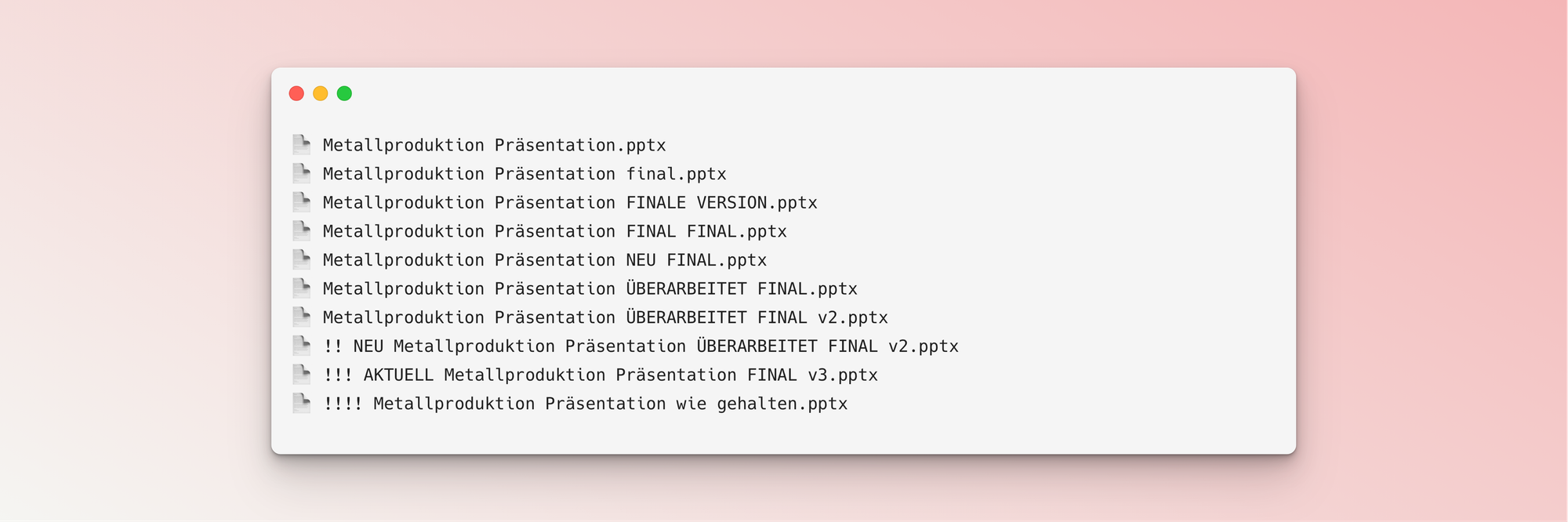
A frequent problem in SharePoint: outdated or duplicate documents. In sales, this is a real risk:
- Several versions of the same presentation
- Unclear status of documents
- No automatic updates
- Risk of wrong prices or specifications
Modern sales platforms, on the other hand, offer:
- Central management of all sales documents
- Automatic synchronization on all devices
- Guaranteed up-to-date product information
- Clear version control
SharePoint Is Not the Right Solution for Professional Sales
SharePoint is a powerful tool for document management, but it is not a sales solution.
Use SharePoint for central document management and a professional sales app for convincing customer meetings.
If you want to make your sales meetings more professional, you need a specialized app that:
- Gives immediate access to all content
- Works perfectly offline
- Presents without media breaks
- Supports the sales process in the best possible way
- Makes professional analytics possible
Quick Win With the Sales Copilot App
With the Sales Copilot Starter Package, companies can introduce a professional sales app in only two weeks, with no IT project and with immediate effect.
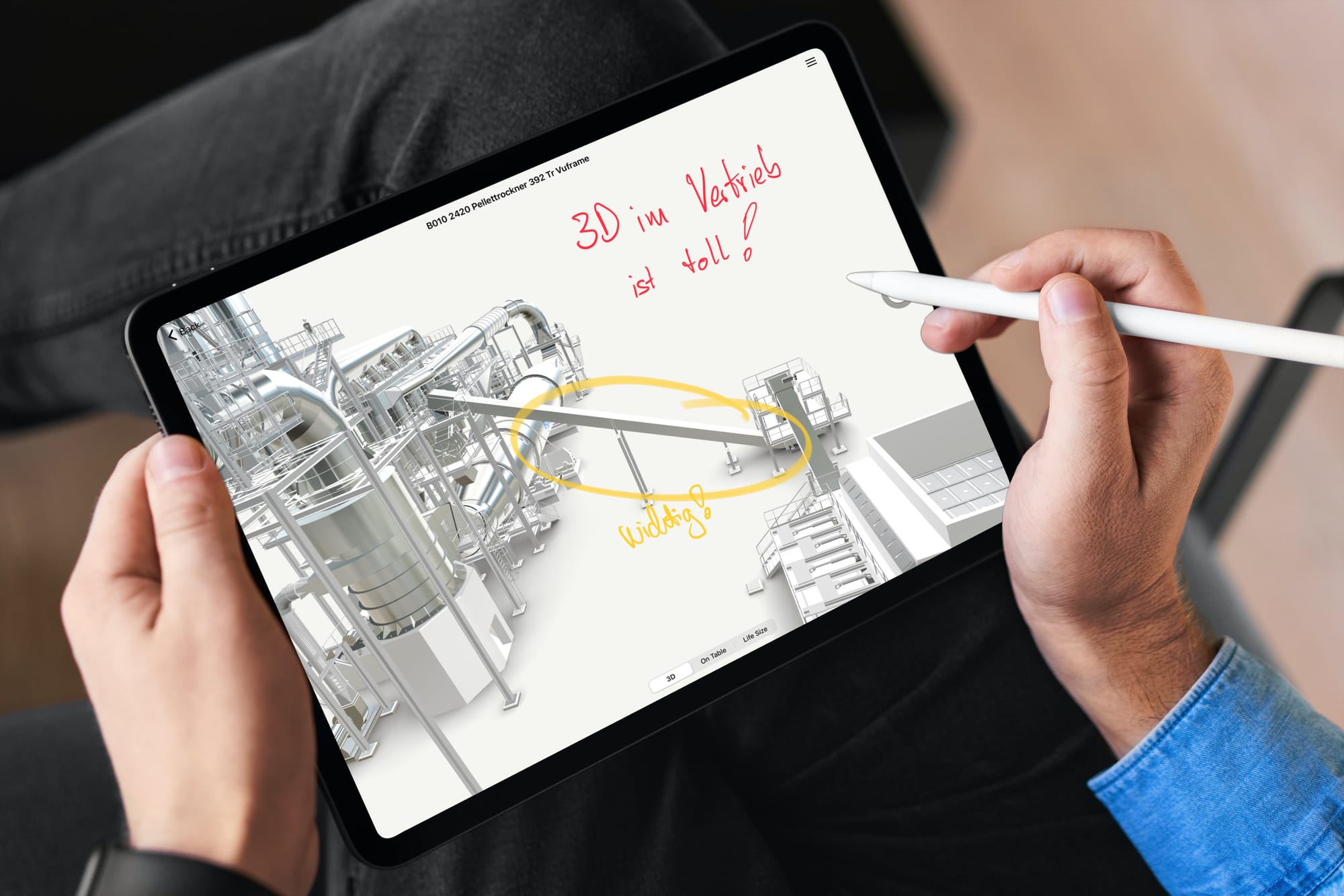
Do you already know our Sales Copilot for mechanical engineering?
Learn more about modern sales support in mechanical engineering. Book a free, no-obligation demo of the Vuframe Sales Copilot now.
Book a demo